


How to reverse lcd screen in Scan Gauge II


 How to reverse lcd screen in Scan Gauge II
Ive decided to flip the screen on my scangauge II
I got the polarized film from garage 1217 www.garage1217.com
Tools your gonna need
Small Fillips head screw driver
razor blade
Material your gonna need
Polarized film
oh and this is just for reference. I in no way take responsibility if you mess up your stuff.
good luck guys!
Start here

Take these four screws

Take back piece off

Take this piece off

Peal screen off.
Use razor blade to take off screen
Mine Came off in two pieces

Put new piece on .
(i had to go back in forth to my car and back to find out just how much dark i wanted. You rotate it from side to side to see how dark you want. and remember one side is sticky one side is not.)

This is what it looks like done.
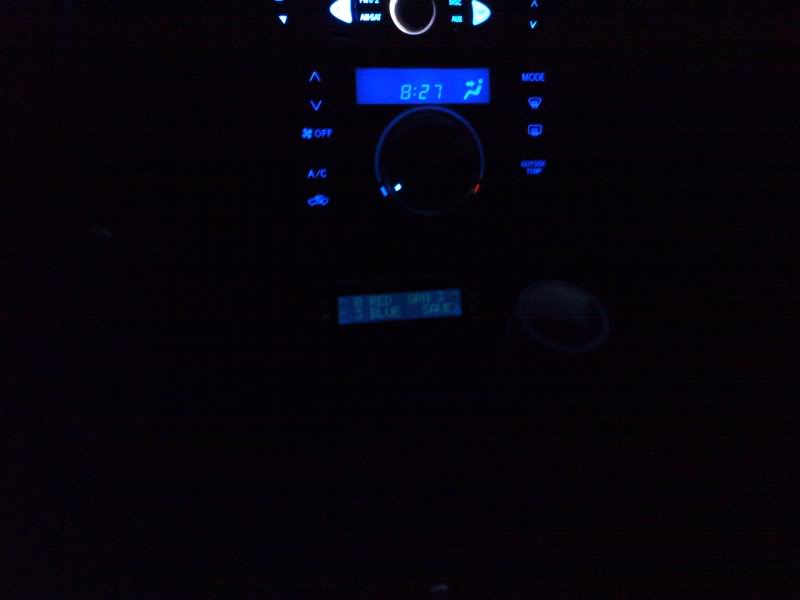
I got the polarized film from garage 1217 www.garage1217.com
Tools your gonna need
Small Fillips head screw driver
razor blade
Material your gonna need
Polarized film
oh and this is just for reference. I in no way take responsibility if you mess up your stuff.
good luck guys!
Start here
Take these four screws
Take back piece off
Take this piece off
Peal screen off.
Use razor blade to take off screen
Mine Came off in two pieces
Put new piece on .
(i had to go back in forth to my car and back to find out just how much dark i wanted. You rotate it from side to side to see how dark you want. and remember one side is sticky one side is not.)
This is what it looks like done.


I've actually been thinking about doing this for a long time. The main reason I havent is because I feel like i wont be able to read it during the day. My HVAC is defiantly harder to make out...
Have any daylight pics?
Good diy though :-)
Have any daylight pics?
Good diy though :-)
Originally Posted by x_Batman_x
I've actually been thinking about doing this for a long time. The main reason I havent is because I feel like i wont be able to read it during the day. My HVAC is defiantly harder to make out...
Have any daylight pics?
Good diy though :-)
Have any daylight pics?
Good diy though :-)

Originally Posted by beandip007
I know it is your camera phone, but why does it look so dim?
oh and speaking of red, does any one else think that the red is way more of an orange color?
It does not match my LED swap at all so I actually have my SG randomly set to blue lol
I've always wanted to send my SG to the LEDmod guys to have a matching red put in... but that would cost money haha
It does not match my LED swap at all so I actually have my SG randomly set to blue lol
I've always wanted to send my SG to the LEDmod guys to have a matching red put in... but that would cost money haha

Originally Posted by x_Batman_x
I've actually been thinking about doing this for a long time. The main reason I havent is because I feel like i wont be able to read it during the day. My HVAC is defiantly harder to make out...
Have any daylight pics?
Good diy though :-)
Have any daylight pics?
Good diy though :-)
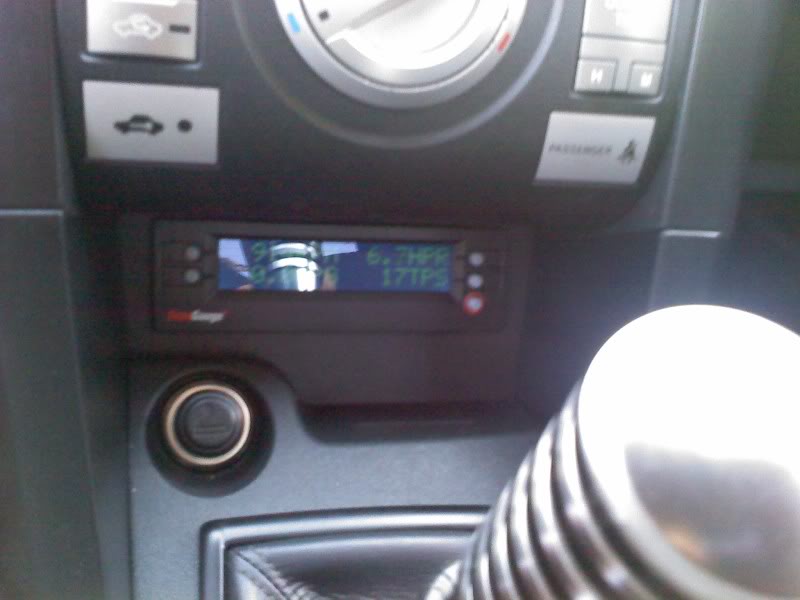
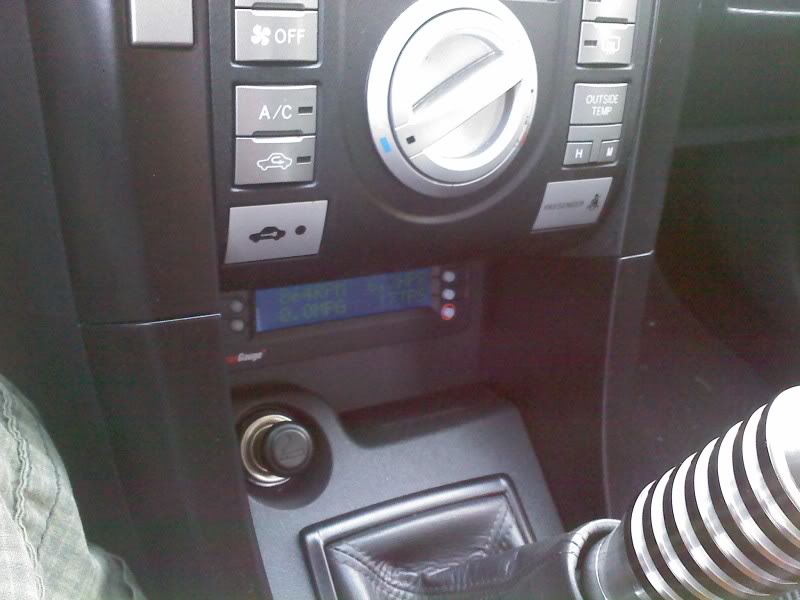
This 3 blue 3 green. Ill take the one you wanted tomorrow. i ran out of sunlight. i work graveyard so i was sleeping most the day so ill do it tomorrow.

Originally Posted by beandip007
like your shifter, where did you get it?

Senior Member


SoCal tC Club
SL Member
Team N.V.S.
Scinergy
Scion Evolution
Joined: Oct 2004
Posts: 15,699
Originally Posted by skakemokid
Originally Posted by beandip007
I know it is your camera phone, but why does it look so dim?
basically.. the more dark you have the background.. the more light will be able to shine thru the normal digits...
it's a little see-saw action goin on.. darker background, brighter digits... not so dark background... well.. not so bright digits.
in other words.. you should've made it the darkest to begin with..
now the fun thing would be to have the polarized film completely 45 degrees so the digits and the background would be the exact same brightness... leaving you completely blind... and the film to be completely useless..

Originally Posted by SquallLHeart
Originally Posted by skakemokid
Originally Posted by beandip007
I know it is your camera phone, but why does it look so dim?
basically.. the more dark you have the background.. the more light will be able to shine thru the normal digits...
it's a little see-saw action goin on.. darker background, brighter digits... not so dark background... well.. not so bright digits.
in other words.. you should've made it the darkest to begin with..
now the fun thing would be to have the polarized film completely 45 degrees so the digits and the background would be the exact same brightness... leaving you completely blind... and the film to be completely useless..

Originally Posted by mattieg
So you rotate the film depending on how dark you want it? I'm a little confused.


Senior Member
SL Member
Joined: Jan 2008
Posts: 180
From: Nashua Area, NH
Originally Posted by mattieg
So you rotate the film depending on how dark you want it? I'm a little confused.
Originally Posted by Crimson_Sky
Originally Posted by mattieg
So you rotate the film depending on how dark you want it? I'm a little confused.