


Got more bored, took more pics LOL :)New Pics page 2


Senior Member


SL Member
Joined: Jun 2006
Posts: 7,862
From: Lurking Inside Your Garage!

Originally Posted by scion_jon
thanks for the constructive critizism guys 
ya when i upload the pics to photoubucket they lose the clearness of them, cause on my pc, the pics are full screen and realy clear
ya when i upload the pics to photoubucket they lose the clearness of them, cause on my pc, the pics are full screen and realy clear
 Downloading to Photobucket doesnt make pics "unclearer"...HAhA..
nice try though!!!


Senior Member

1UP Crew
SL Member
Joined: Jul 2005
Posts: 2,150
From: Hialeah, FL
pics are too big most likely, so they decrease the size for u. other than that, just not that great photography...atleast u took those green ugly stickers off...it looks normal now.

i need to learn how to fix the pics in ps, i just usualy use the program to chop pics
https://www.scionlife.com/forums/viewtopic.php?t=171437
https://www.scionlife.com/forums/viewtopic.php?t=171223 Make sure you look at pg.2
https://www.scionlife.com/forums/vie...608&highlight=
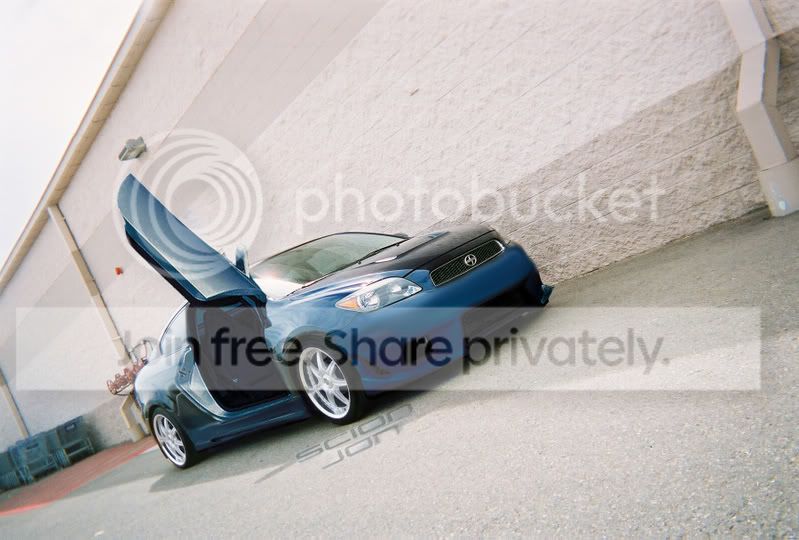
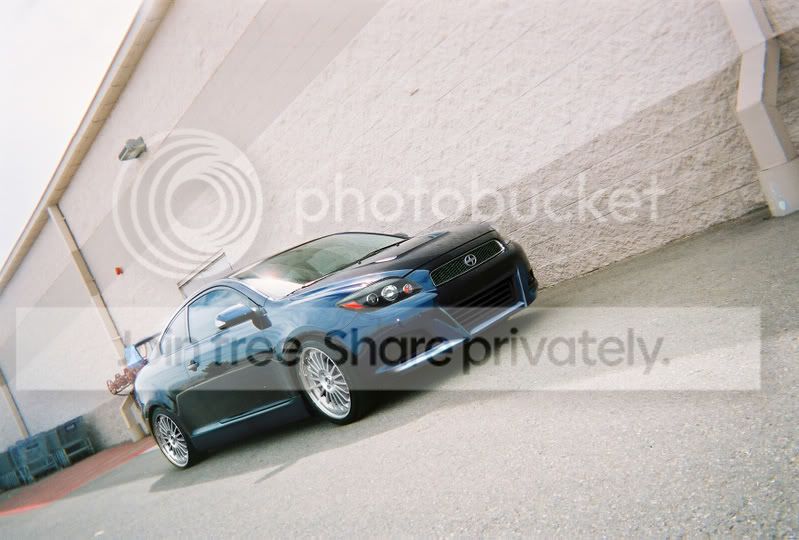
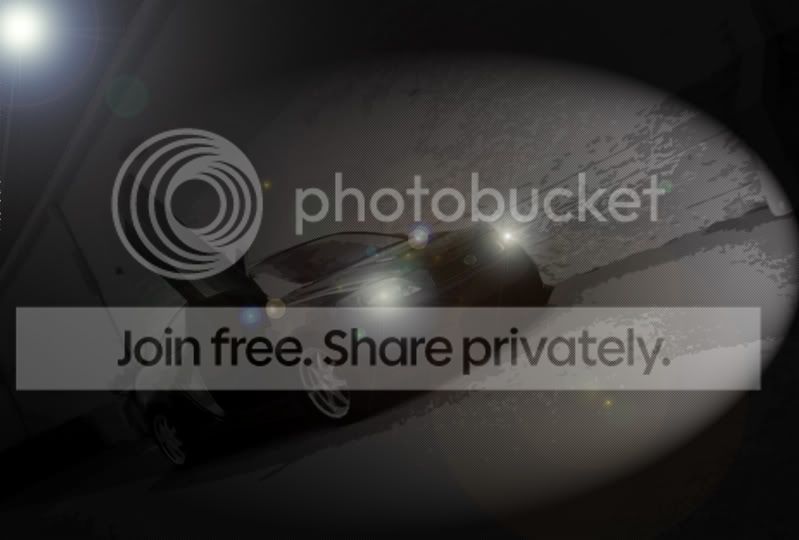


Senior Member
1UP Crew
SL Member
Joined: Jul 2006
Posts: 3,009
From: Miami, FL
those are better cuaz the angles are less extreme good job man 
some ppl just take crazy angles and think their good, it just takes nice clean shots and a good spot to have a good shoot, what u just posted there was good, just remember like in the last 2 pics, always make sure your car is facing the light source so u get a better shot and ur car isnt in a shadow or being glared
some ppl just take crazy angles and think their good, it just takes nice clean shots and a good spot to have a good shoot, what u just posted there was good, just remember like in the last 2 pics, always make sure your car is facing the light source so u get a better shot and ur car isnt in a shadow or being glared
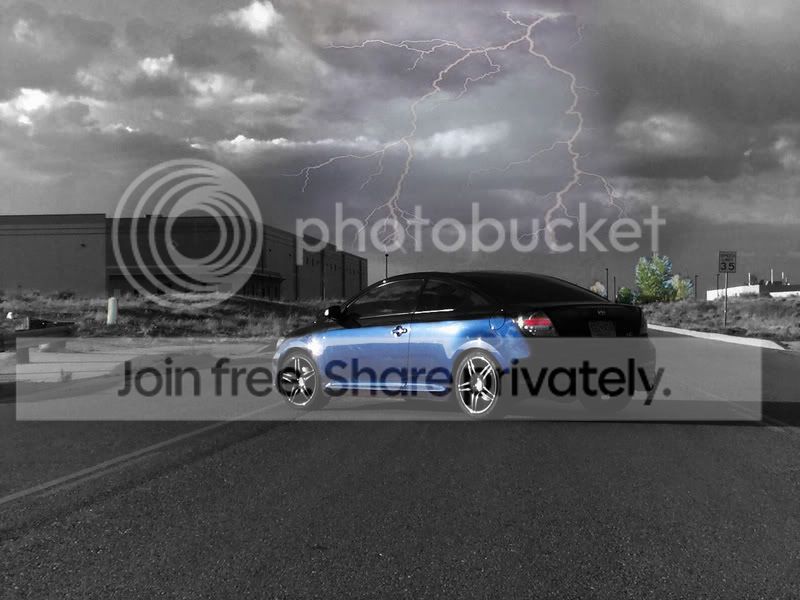
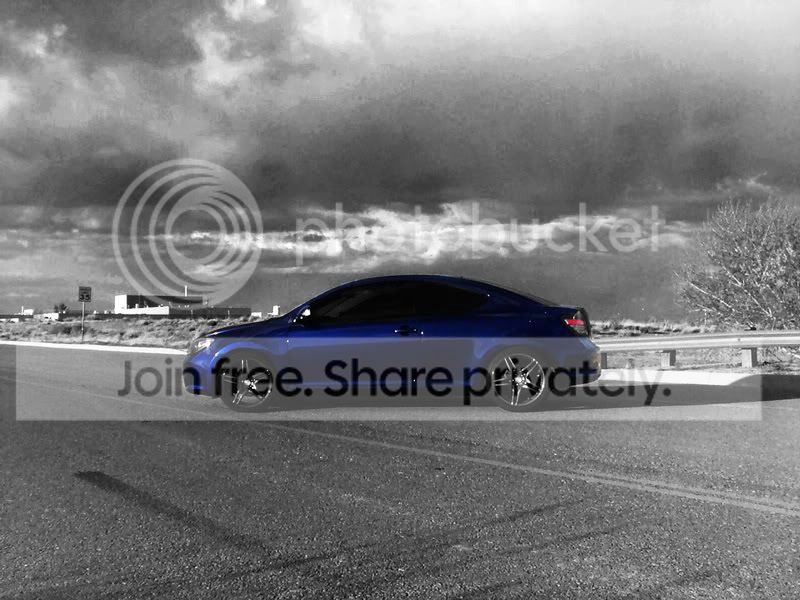
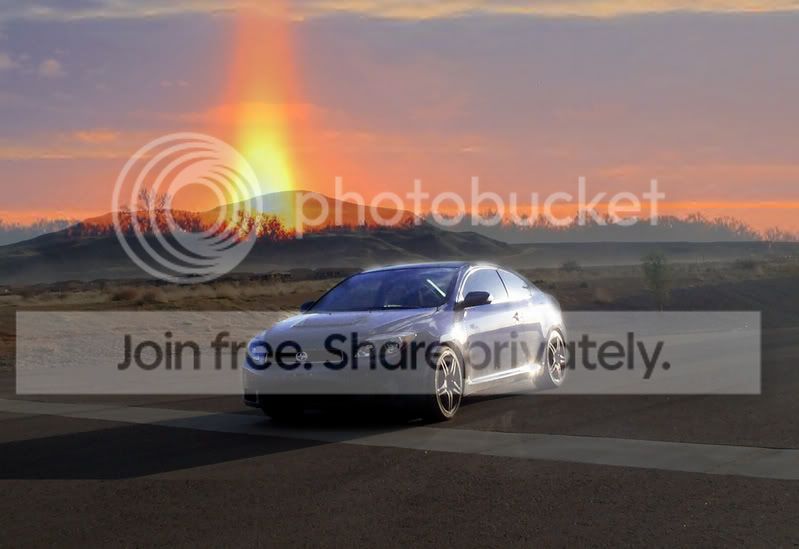
Good ideas - I see your experimenting with PS. But make sure your light sources match. Like the last pic - sunlight and shine is coming from the right, but the volcano? is coming from the left. That would cause other shadows snd light reflections on the car. It can be fixed to do so, but it would take to long and still look a little fake. Think about your picture and lighting when doing your next creation.


