When you click on links to various merchants on this site and make a purchase, this can result in this site earning a commission. Affiliate programs and affiliations include, but are not limited to, the eBay Partner Network.
Hey all, I'm thinking of adding some USB ports next to the shifter in my 2014 xB. I figured I would just put them there since there is blank button and would be easy to access.
Just make sure to look at the measurements before you order one.
There are two different size openings that Toyota has used over the years.
The newer cars, like ours, have a wider but shorter opening than the older ones.
Unfortunately I don't remember what the measurements are.
__________________
Last edited by MR_LUV; Jul 18, 2021 at 09:07 PM.
Reason: Awarded 10 Yr Badge
I too would like to add USB ports to the empty swich blank next to the shifter.
Any guides to how someone did it?
Buy something similar to the one I linked above, drop the wires down to the stock power point at the bottom of the console and tap the wire into it there. That's it.
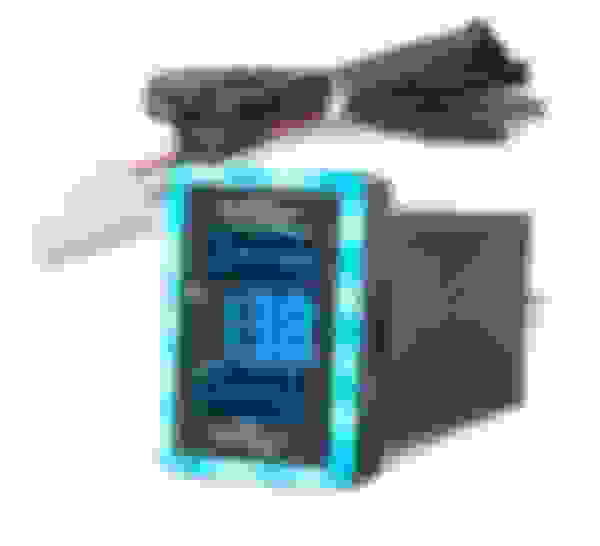
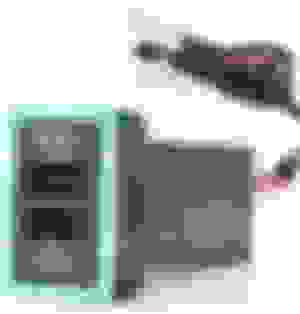
I found that although the head of the device fit perfectly, the body was slightly too big for the inner hole, so I filed out the hole a little bit on all sides, and a little on the back so the catches would engage properly.
The connectors on the device matched the existing ones on the power outlet, so I just unplugged the back of the outlet and this plugged in between the connector and the outlet.
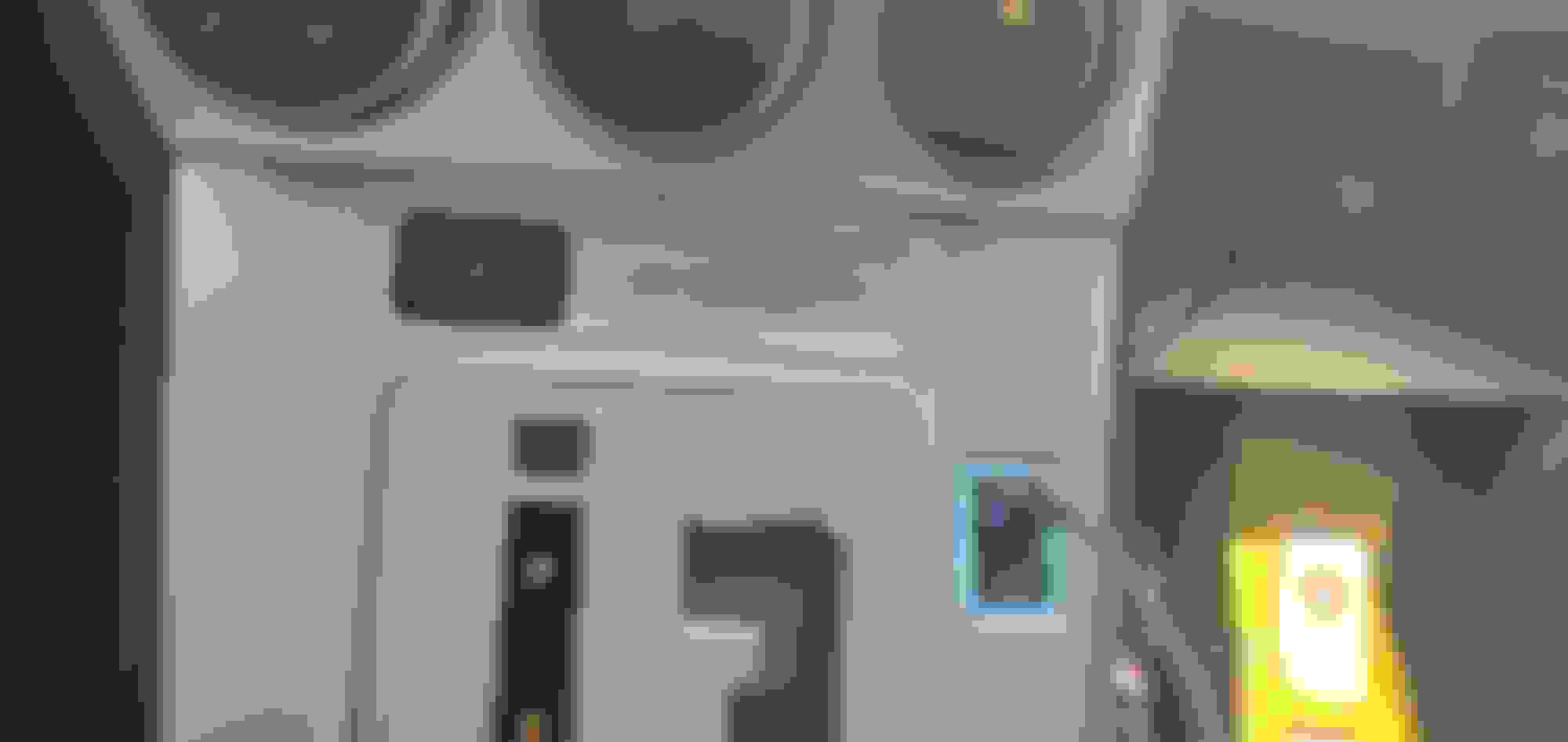
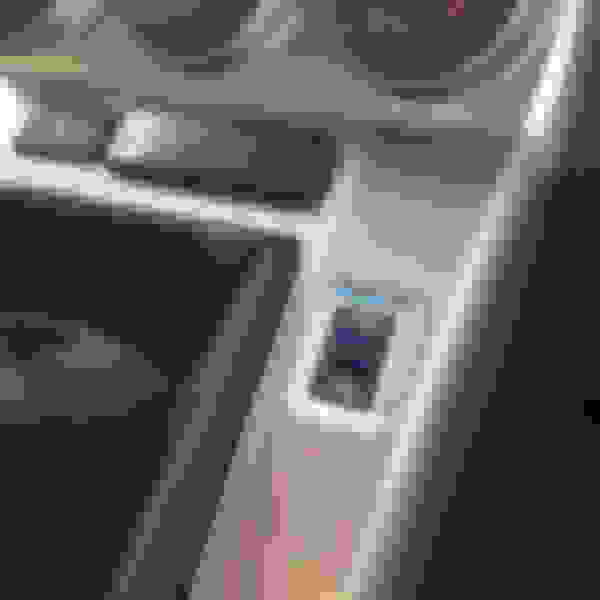
The end result:
The lighting around the device is a little less even than it shows in the photos (you can see where the individual LEDs are),
but overall I'm very happy with it. That black hole next to the gearshift has always bothered me, and this looks like it was meant to be there.
___
Last edited by MR_LUV; Jul 18, 2021 at 09:09 PM.
Reason: Awarded 5 Yr Badge
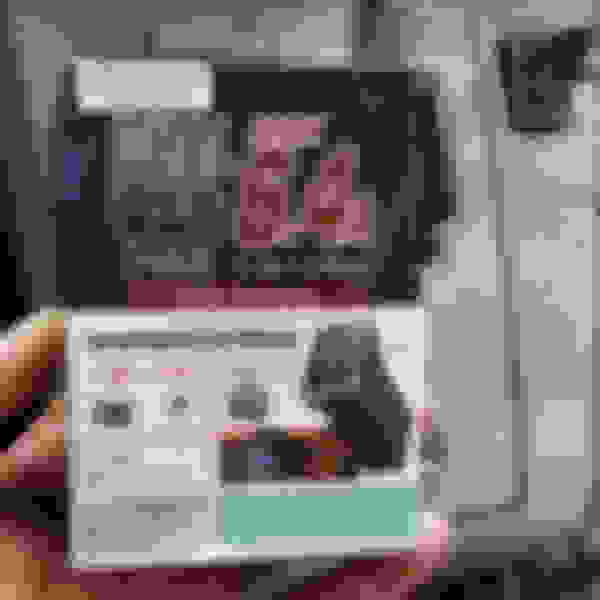
The USB outlet wire has two connectors on it (male & female).
To install, open both the shifter panel and the power outlet panel below it.
Insert the the wire through the hole in the shifter panel, and install the USB outlet.
Run the wire down to where the power outlet is.
Unplug the connector for the power outlet, and plug the USB outlet connectors into that wire (red arrow) and the power outlet (blue arrow).
Reinstall the panels.
Both the USB and the power outlets are powered in parallel from the same 10A fuse. (Be careful not to blow the fuse if you're using both the USB and the power outlet.)
A couple of warnings:
1. File enough around the hole in the shifter panel so that the USB outlet slides in easily. Otherwise it will be very difficult to remove if you need to.
2. The light around the outlet is a bit too bright and distracting at night.
There are two pairs of wires going into the back of this. I was hoping that one was for the USB ports and the other for the LED circuit, but I opened it up as much as I could, and I see that each pair of wires goes
into a small circuit board that powers one USB port. Those boards connect to a circuit board at the top that has the LEDs on it, but I don't think I can access that board without destroying it.
I don't see any other outlets like this that are dual 3.2A, so I think I will look into getting some glass tint paint that I can use to darken it. I'll post an update if that works.
____
Last edited by MR_LUV; Jul 18, 2021 at 09:09 PM.
Reason: Awarded 5 Yr Badge
That was just too bright for me, so I tried covering the front part with a black sharpie. That wasn't dark enough, so I tried
some acrylic paint, but it was uneven and light leaked through some cracks, so then I masked the sides and center.
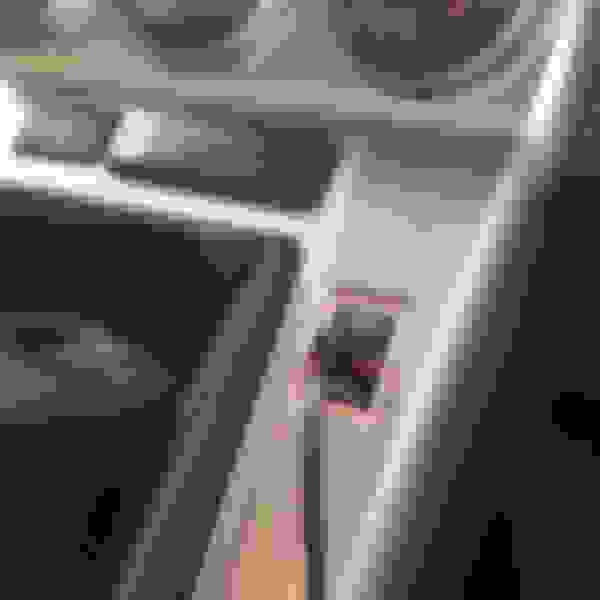
... and used some black spray paint, and it came out like this:
The light coming from around the sides and from the USB holes seems about right.
I used Gloss Black because that's what I had on hand, but I think Satin would have been a bit better.
Aw man! Im late to the party! I did this mod on my ride TWICE. I eventually updated the ports to the one with the built in volt reader. Very handy indeed!
bumping an old thread. I'm looking to add a USB and was wondering if I could tap into the auto-dimming rear view mirror? I found something called simpleusb that looks plug and play, but didn't know if anyone had any experience?
bumping an old thread. I'm looking to add a USB and was wondering if I could tap into the auto-dimming rear view mirror? I found something called simpleusb that looks plug and play, but didn't know if anyone had any experience?
If you are using it to power a dash cam then yes that would make a lot of sense to use. If you are using it for a phone I'd say no, as it only supports up to a 2A draw and many of the newer phones have a 3A draw.
Thanks! I looked more into it and found that it is not the standard toyota 4 pin connector, it's a unique 2 pin connector.
Not 100% because this is from a tC, but it's the closest thing I could find since I don't have the car right now.
The dash cam draws 5v and 1.5amps so I should be good.
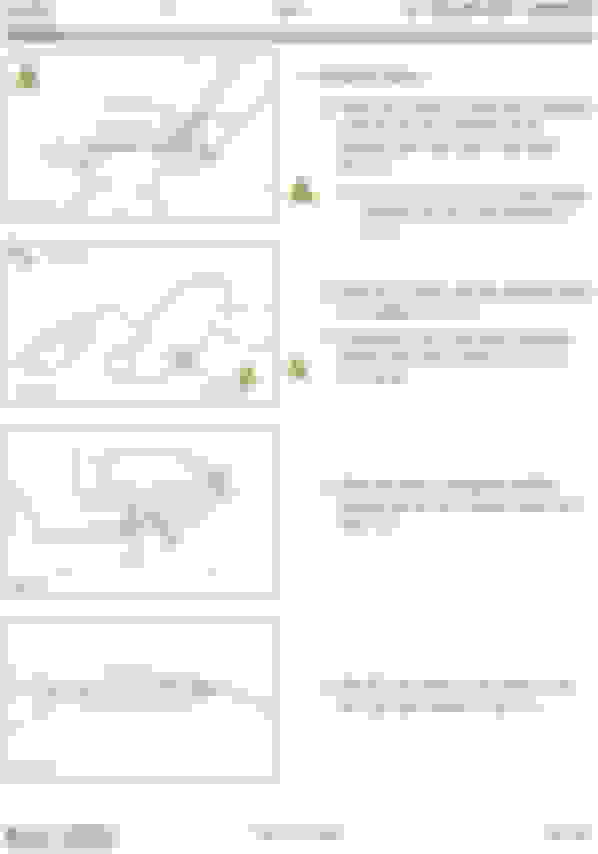
wiring for factory/dealer installed auto-dimming mirror in scion TC
Last edited by MR_LUV; Oct 25, 2021 at 10:40 PM.
Reason: Awarded 5 Yr Badge
Aw man! Im late to the party! I did this mod on my ride TWICE. I eventually updated the ports to the one with the built in volt reader. Very handy indeed!
Hi, where did you get this nifty unit? Voltmeter definitely handy tool!



 Adding USB Ports..











 I did this mod on my ride TWICE. I eventually updated the ports to the one with the built in volt reader. Very handy indeed!