Notices
Scion tC 1G ICE & Interior In-car entertainment and electronics...

New AVIC-D3 Installed (Pics)

Thread Tools
 
Search this Thread
 
Old Mar 2, 2007 | 05:39 PM
  #1  
Chapman's Avatar
Thread Starter
Senior Member
10 Year Member
5 Year Member
SL Member
 
Joined: May 2006
Posts: 480
From: Fremont, CA
Default New AVIC-D3 Installed (Pics)

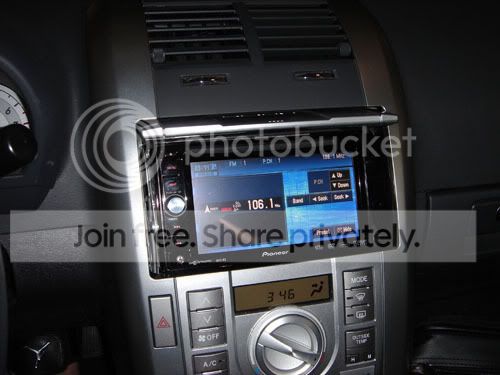
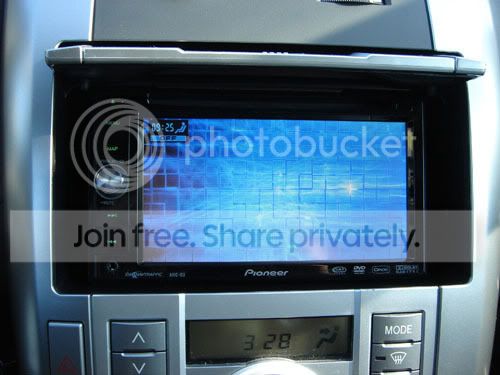
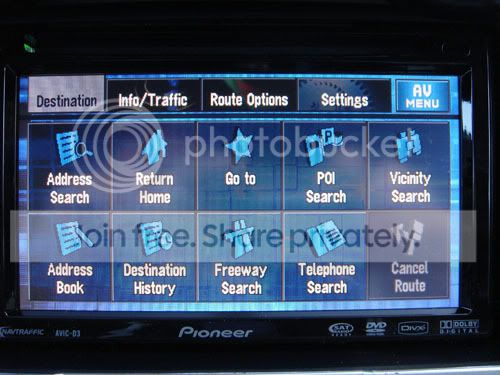
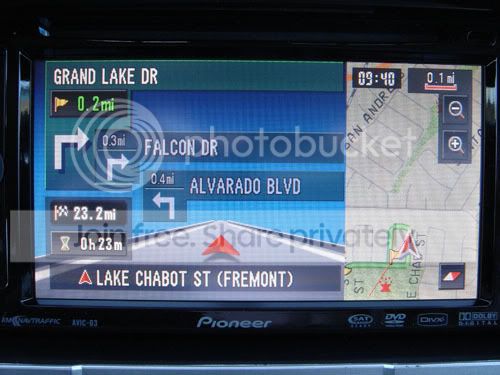
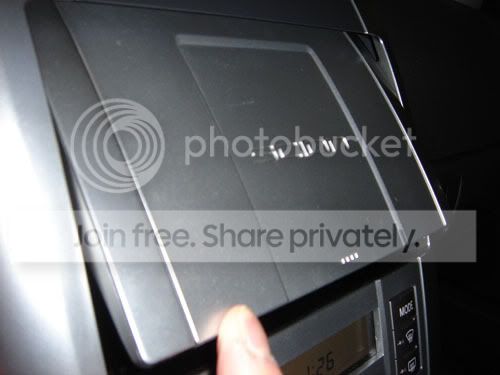
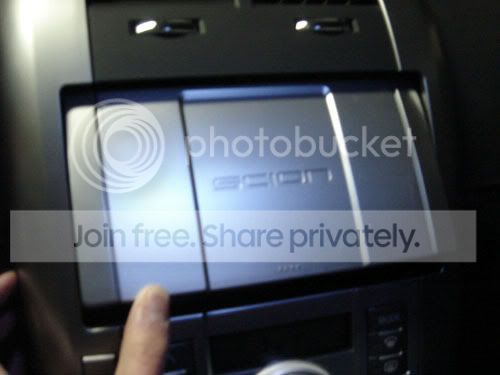
Here are a few pics of the AVIC-D3. It was pretty easy to install. If you were wondering, the radio door will not close without modification. Overall, I give this a 7 of 10 because it's missing a few good features such as:
-harddrive navi
-2-disc drive
-bigger screen
-text to speech (they pronounce the street names)
-voice recognition

I can of course opt for the Z1 or Z2, but it's double the price. You get what you pay for.

I can take more pics for anyone who wants specific screenshots.

Enjoy.

From a distance


Background (changable to different colors: white, green blue, yellow, red, or your personal pictures)


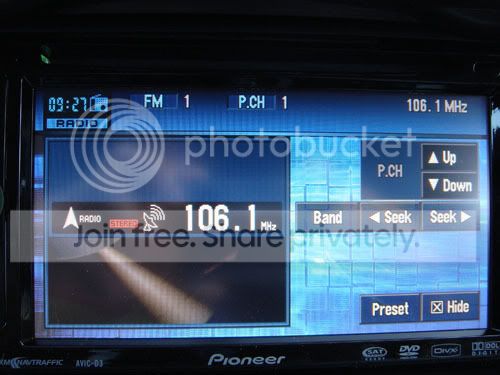
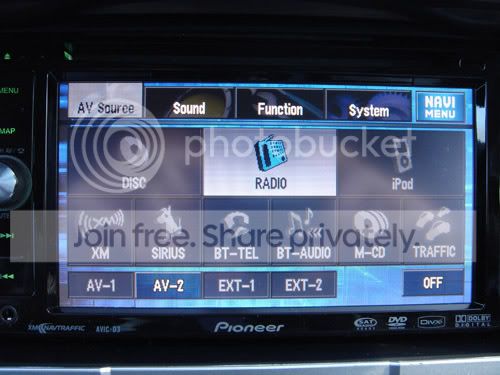
Radio


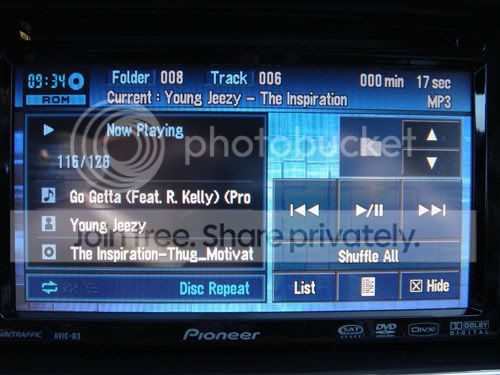
Music CD


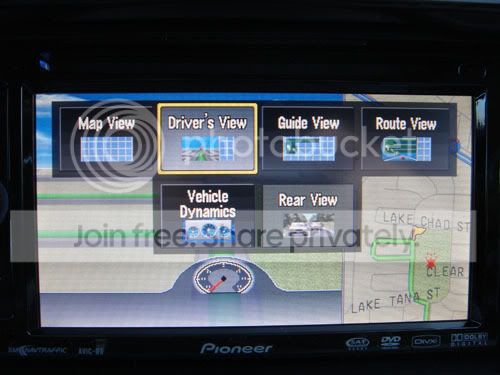
Navi Menu


AV Menu


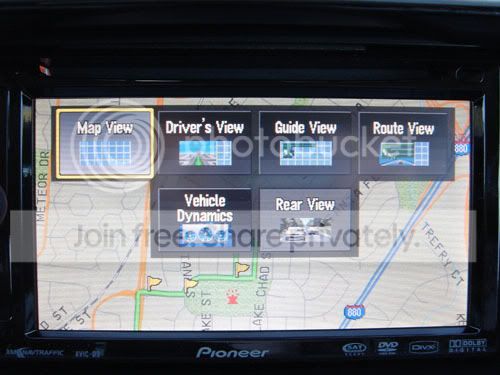
Map View Menu


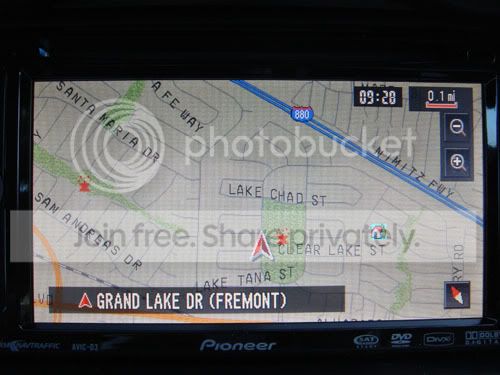
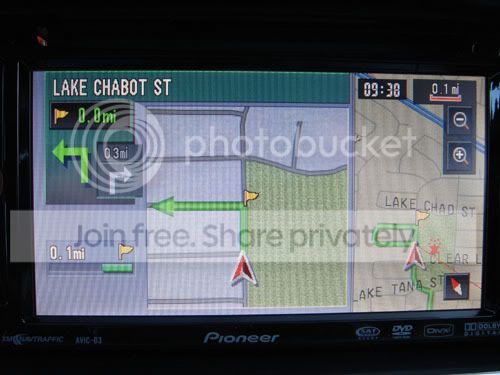
Map


Route View


Driver's View


Guide View
Old Mar 2, 2007 | 05:44 PM
  #2  
karatekidd's Avatar
Senior Member
10 Year Member
5 Year Member
SL Member
iTrader: (2)
 
Joined: May 2005
Posts: 779
From: Stone Mountain, GA
Default

Where did you get it and how much?
Old Mar 2, 2007 | 05:46 PM
  #3  
Chapman's Avatar
Thread Starter
Senior Member
10 Year Member
5 Year Member
SL Member
 
Joined: May 2006
Posts: 480
From: Fremont, CA
Default

I got it at Pacific Stereo, a local stereo shop for $1000.
Old Mar 2, 2007 | 05:51 PM
  #4  
riboflavin's Avatar
Senior Member
10 Year Member
5 Year Member
Scikotics
SL Member
iTrader: (2)
 
Joined: Aug 2006
Posts: 1,253
From: Millbrae, CA
Default

So you installed it yourself? how easy was it? I thought it would be hard b/c you have connect speed sensor or something to use navigation. Is the manual that comes with it good enough?
Old Mar 2, 2007 | 06:29 PM
  #5  
NOtORyUS_tC's Avatar
Senior Member
5 Year Member
SL Member
 
Joined: Dec 2006
Posts: 134
From: Panorama City, CA
Default

please do tell how easy/hard it is to install and how long it took you to finish. plus can you take pics with the door closed. i know you said it won't close. but can you show us how narrow/wide the margin is. thanx
Old Mar 2, 2007 | 06:29 PM
  #6  
Dakine's Avatar
Senior Member

10 Year Member
5 Year Member
Concept in Motion Crew
SL Member
 
Joined: Aug 2004
Posts: 2,758
From: From:NorCal Stationd:SoCal
Default

wow, very nice. yeah screen is pretty small.
Old Mar 2, 2007 | 06:30 PM
  #7  
rockstahr's Avatar
Junior Member
 
Joined: Feb 2007
Posts: 13
From: Irvine, CA
Default

couple questions. how long does it take to read the dvd in order to get directions? will any of the colors that can be modified match the scion amber color? do you have ipod hookup pics, please post. THANKS!
Old Mar 2, 2007 | 06:43 PM
  #8  
rockstahr's Avatar
Junior Member
 
Joined: Feb 2007
Posts: 13
From: Irvine, CA
Default

sorry one more question, how is the viewing angle at its fixed position (seeing as how it doesnt adjust) for driver and passengers etc. thanks!
Old Mar 2, 2007 | 07:20 PM
  #9  
asthmatic's Avatar
Senior Member
10 Year Member
5 Year Member
SL Member
iTrader: (1)
 
Joined: Jan 2005
Posts: 335
Default

i didnt know this came out already
Old Mar 2, 2007 | 07:25 PM
  #10  
TheQuietThings's Avatar
Senior Member
10 Year Member

5 Year Member

SL Member
Team ScioNRG
 
Joined: Mar 2005
Posts: 5,920
From: Staten Island, NY
Default

you need a dish kit!
looks great though, have fun with it
Old Mar 2, 2007 | 07:28 PM
  #11  
Chapman's Avatar
Thread Starter
Senior Member
10 Year Member
5 Year Member
SL Member
 
Joined: May 2006
Posts: 480
From: Fremont, CA
Default

Originally Posted by riboflavin
So you installed it yourself? how easy was it? I thought it would be hard b/c you have connect speed sensor or something to use navigation. Is the manual that comes with it good enough?
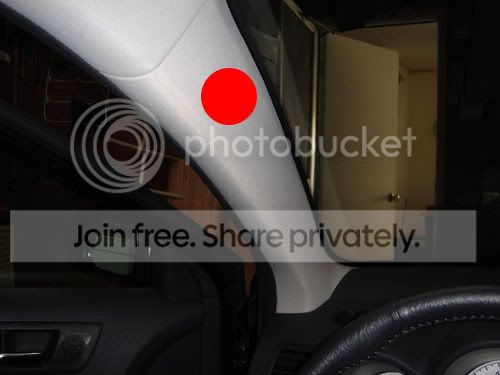
It's pretty easy if you've installed regular headunits before. Only additional connections are the GPS receiver and the speed sensor. Overall, it took me about 45min to do the whole installation...from uninstalling my old headunit, rewiring the D3, and finding a place for the GPS. I found out how to connect the speed sensor here. The manual is good enough.

This is where I put my GPS receiver. It's probably not the best place, but it works.
Old Mar 2, 2007 | 07:28 PM
  #12  
Chapman's Avatar
Thread Starter
Senior Member
10 Year Member
5 Year Member
SL Member
 
Joined: May 2006
Posts: 480
From: Fremont, CA
Default

Originally Posted by NOtORyUS_tC
please do tell how easy/hard it is to install and how long it took you to finish. plus can you take pics with the door closed. i know you said it won't close. but can you show us how narrow/wide the margin is. thanx
It hits the volume ****.

Old Mar 2, 2007 | 07:39 PM
  #13  
Chapman's Avatar
Thread Starter
Senior Member
10 Year Member
5 Year Member
SL Member
 
Joined: May 2006
Posts: 480
From: Fremont, CA
Default

Originally Posted by rockstahr
couple questions. how long does it take to read the dvd in order to get directions? will any of the colors that can be modified match the scion amber color? do you have ipod hookup pics, please post. THANKS!
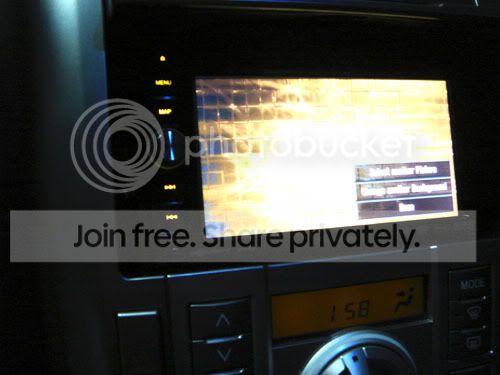
Not long at all. I think it's same as a hd-based navi ( compared to Streetdeck, carputer). There really isn't a color that'll match the amber, but you can upload your own backgrounds to try and match it. No, I don't have ipod hookup (yet).

Yellow is the closest (it looks better in person)


Originally Posted by rockstahr
sorry one more question, how is the viewing angle at its fixed position (seeing as how it doesnt adjust) for driver and passengers etc. thanks!
It's viewable at every angle.
Old Mar 2, 2007 | 07:42 PM
  #14  
NOtORyUS_tC's Avatar
Senior Member
5 Year Member
SL Member
 
Joined: Dec 2006
Posts: 134
From: Panorama City, CA
Default

cool thanks!
Old Mar 2, 2007 | 08:00 PM
  #15  
satoman44's Avatar
Senior Member
10 Year Member
5 Year Member
SL Member
 
Joined: Aug 2005
Posts: 764
Default

are you going to sink it in to get the radio door to close?
Old Mar 2, 2007 | 08:53 PM
  #16  
trialsindude's Avatar
Senior Member
10 Year Member
5 Year Member
Strictly Scionized
SL Member
 
Joined: Oct 2004
Posts: 1,284
From: White Marsh, Balti Co., MD
Default

Line up the holes for the screws and drill a hole of similar size approx 1/4" back, and then the door will close.
Old Mar 2, 2007 | 09:26 PM
  #17  
hawgs74's Avatar
Senior Member
10 Year Member
5 Year Member
SL Member
 
Joined: Oct 2005
Posts: 1,447
From: Conway, AR
Default

thanx for the pics -- picking out a HU just keep getting harder
Old Mar 2, 2007 | 11:13 PM
  #18  
O5_TRD_tC's Avatar
Senior Member
10 Year Member
5 Year Member

SL Member
 
Joined: May 2005
Posts: 4,790
From: Bay Area
Default

nice!
Old Mar 2, 2007 | 11:43 PM
  #19  
nebster's Avatar
Senior Member
10 Year Member
5 Year Member
SL Member
 
Joined: Jan 2006
Posts: 8,961
From: Team SOLO
Default

looks good but with the **** hitting and the small screen i'm happy with my d2
Old Mar 3, 2007 | 12:38 AM
  #20  
paul34's Avatar
Senior Member
10 Year Member
5 Year Member
SL Member
 
Joined: Jul 2006
Posts: 2,320
Default

looks good, but I did think the screen would be a bit bigger.

And why do they always insist on putting every single logo of every feature? I hate that. It's like a riced out Honda.


All times are GMT. The time now is 08:33 AM.